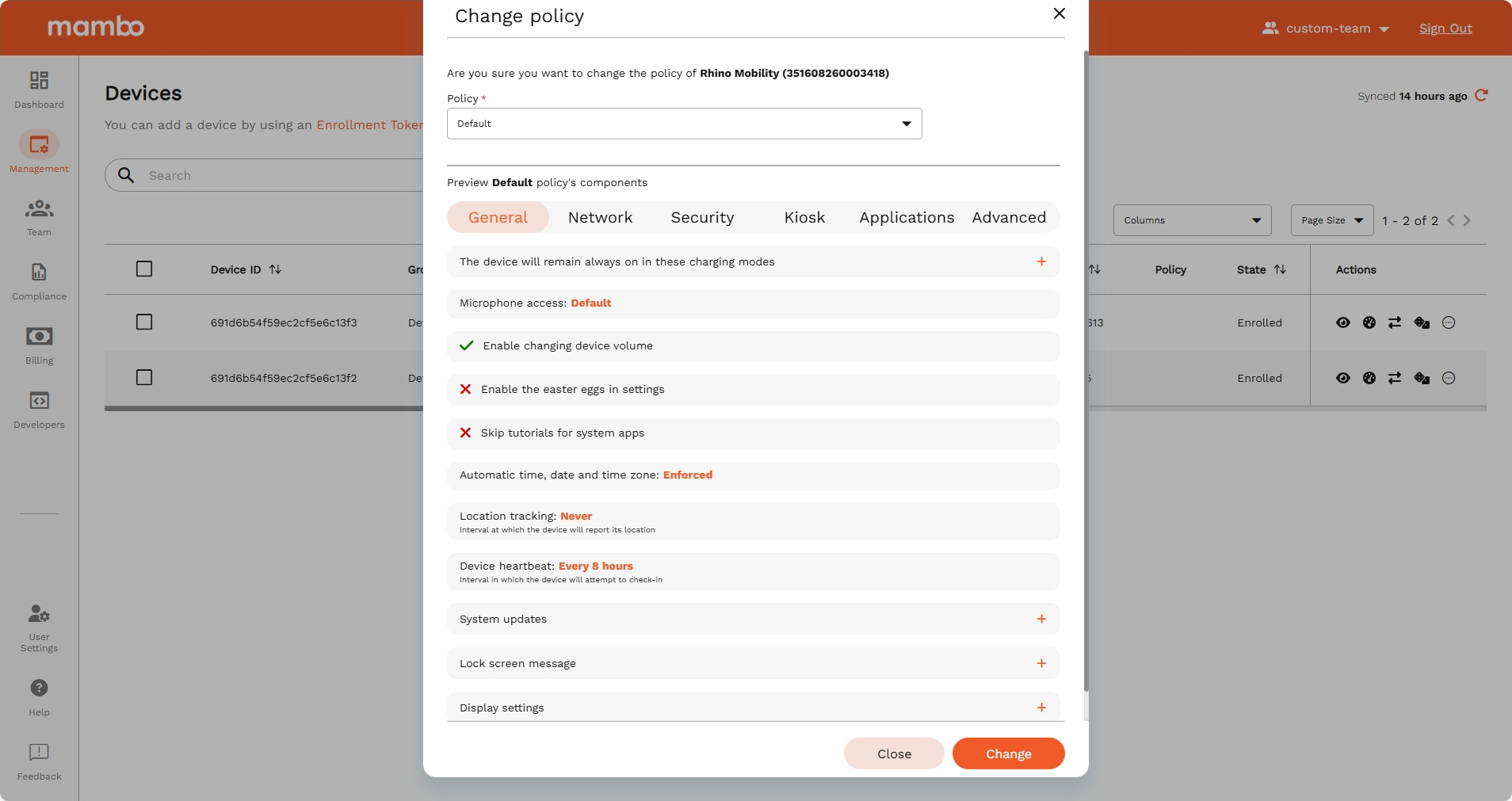
Change Policy
- Once logged into the mambo EMM console navigate to Management > Devices
- Select the device/devices you would like to assign a policy to
- On selected device/devices, click on Actions then Change Policy
- Choose the Policy you would like to assign and select Yes, Change
- You will see on the table that the selected devices have a pending policy change, it takes a while to apply the policy change to the device