
Change Policy of Group
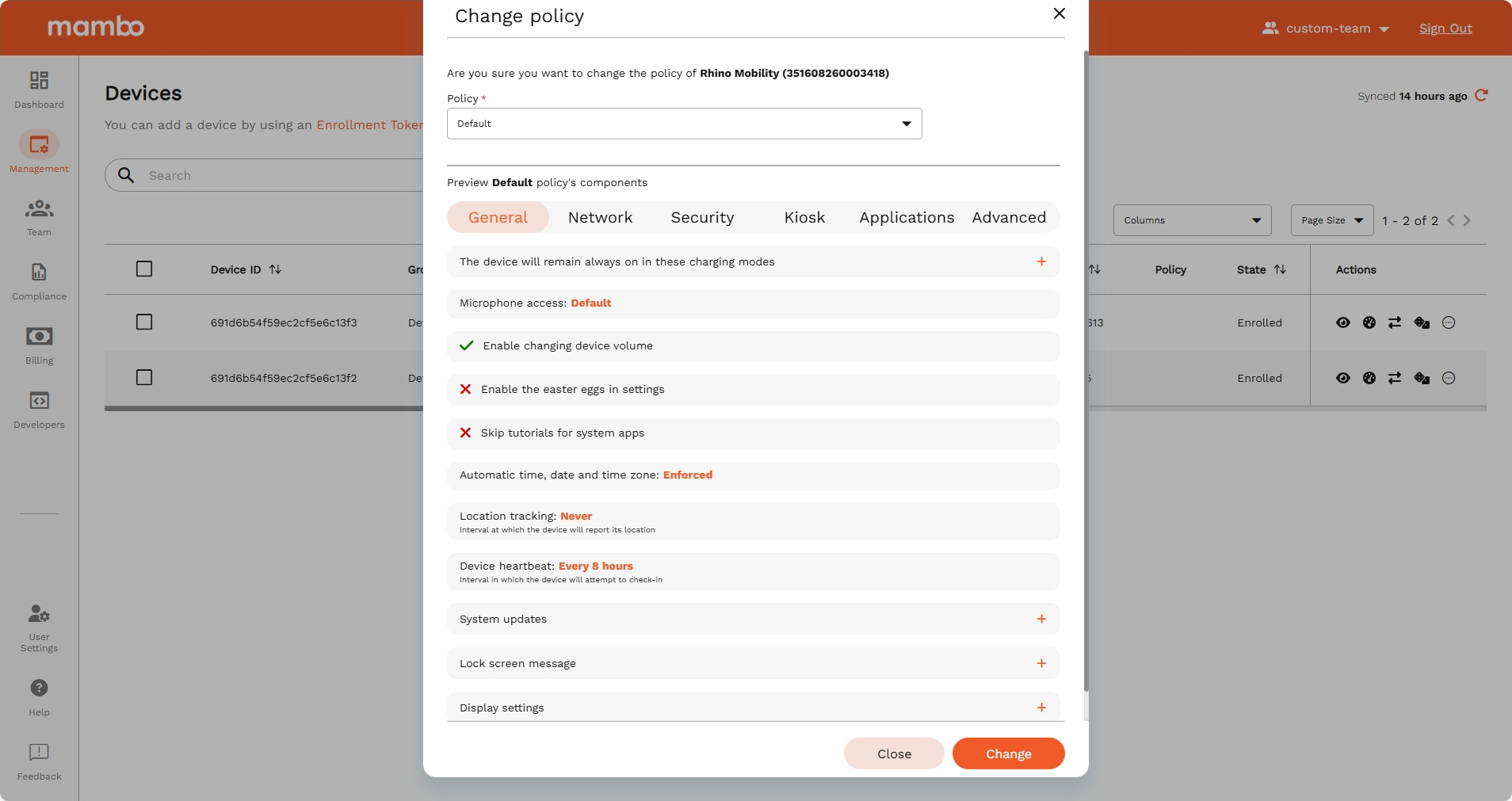
The Change Policy option allows administrators to assign a new policy to a group and apply it across all devices in that group.
Steps to Change Policy
- Navigate to Management > Groups.
- Locate the group where you want to update the policy.
- Select Actions > Change Policy.
- In the dialog box, search and select the new policy.
- Confirm the selection to apply changes.
Key Features
- Flexibility – Switch policies for groups at any time.
- Consistency – Ensures all devices in the group follow the updated policy.
- Control – Policy changes are applied only after confirmation.
Summary
The Change Policy feature helps administrators reassign policies to groups and ensure that all devices stay compliant with the latest rules.