
Enforce Policy of Group
The Enforce Policy action ensures that all devices within a group immediately follow the group’s associated policy.
Steps to Enforce Policy
- Navigate to Management > Groups.
- Locate the group for which you want to enforce the policy.
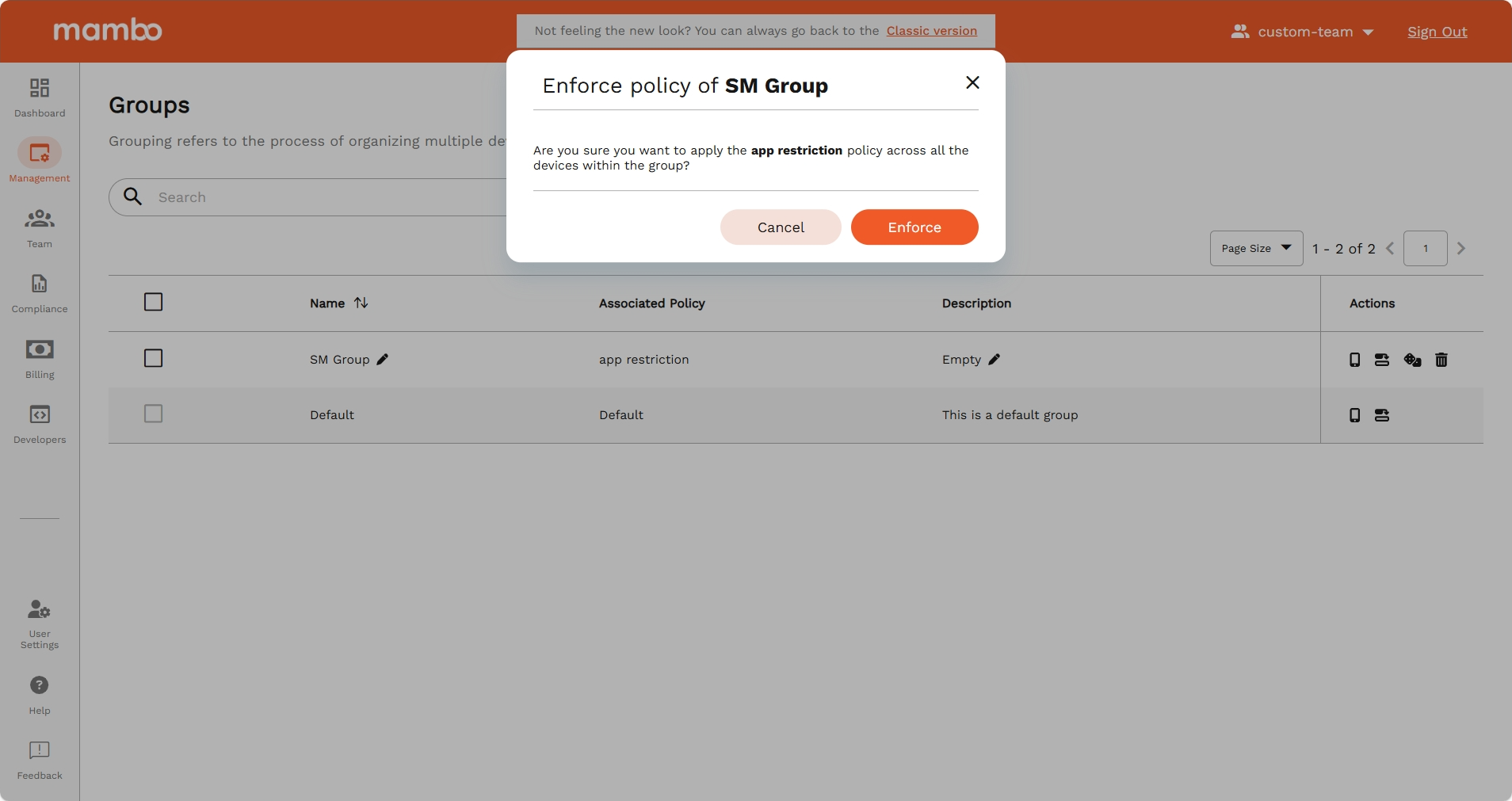
- Select Actions > Enforce Policy.
- A confirmation dialog will appear. Review the details and confirm.
- The selected policy will be applied to all devices in the group.
Key Features
- Immediate Compliance – All devices start following the enforced policy right away.
- Confirmation Required – Prevents accidental enforcement.
- Centralized Control – Apply rules to multiple devices with a single action.
Summary
The Enforce Policy option ensures policy consistency across all devices in a group by applying the assigned policy instantly.