
Manage Role
Roles in mambo EMM allow you to control exactly what each user can view, manage, change, or delete inside your team. This ensures secure, role-based access to devices, policies, enrolments, and team settings.
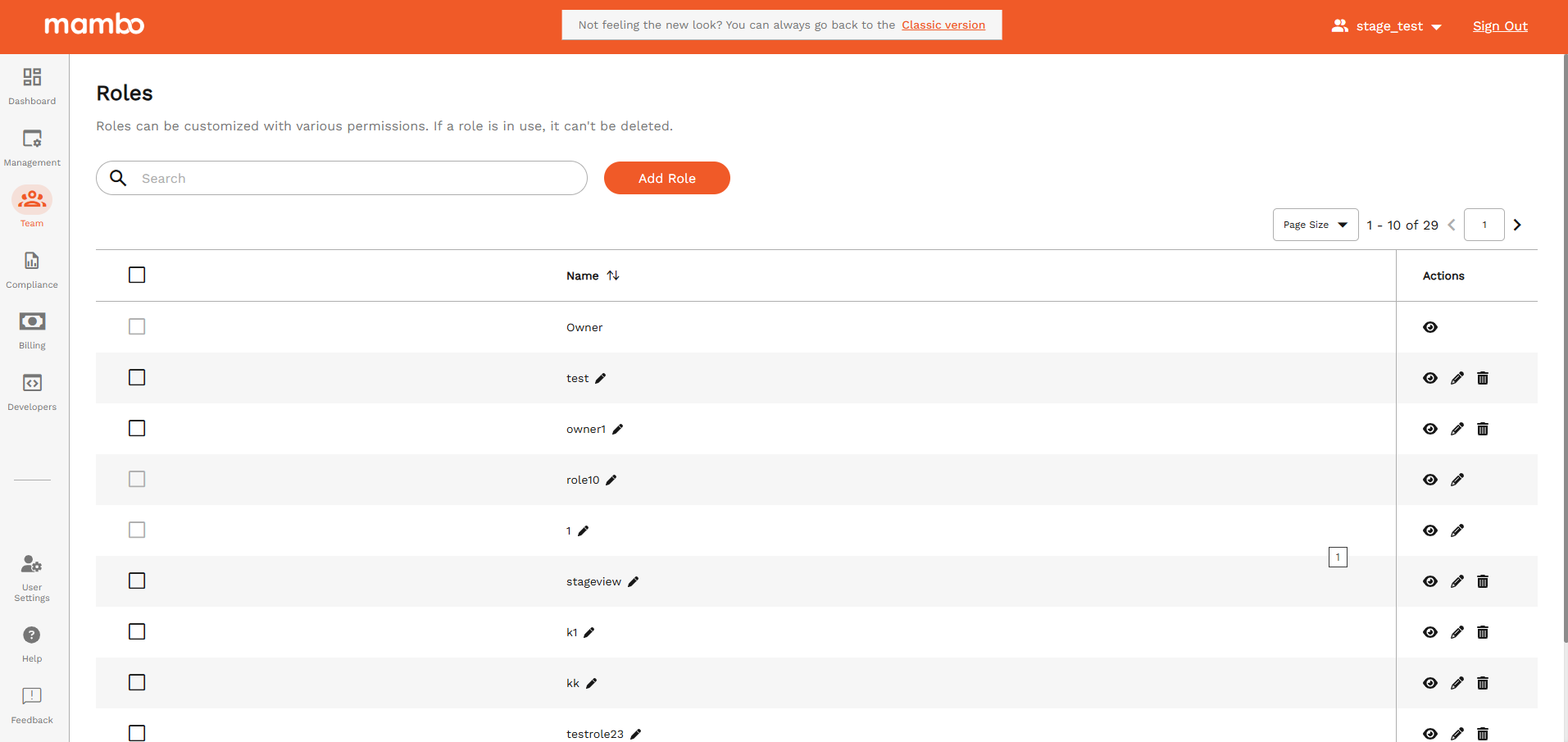
How to Add a New Role
- Go to Team → Roles in the mambo EMM console
- Click Add Role
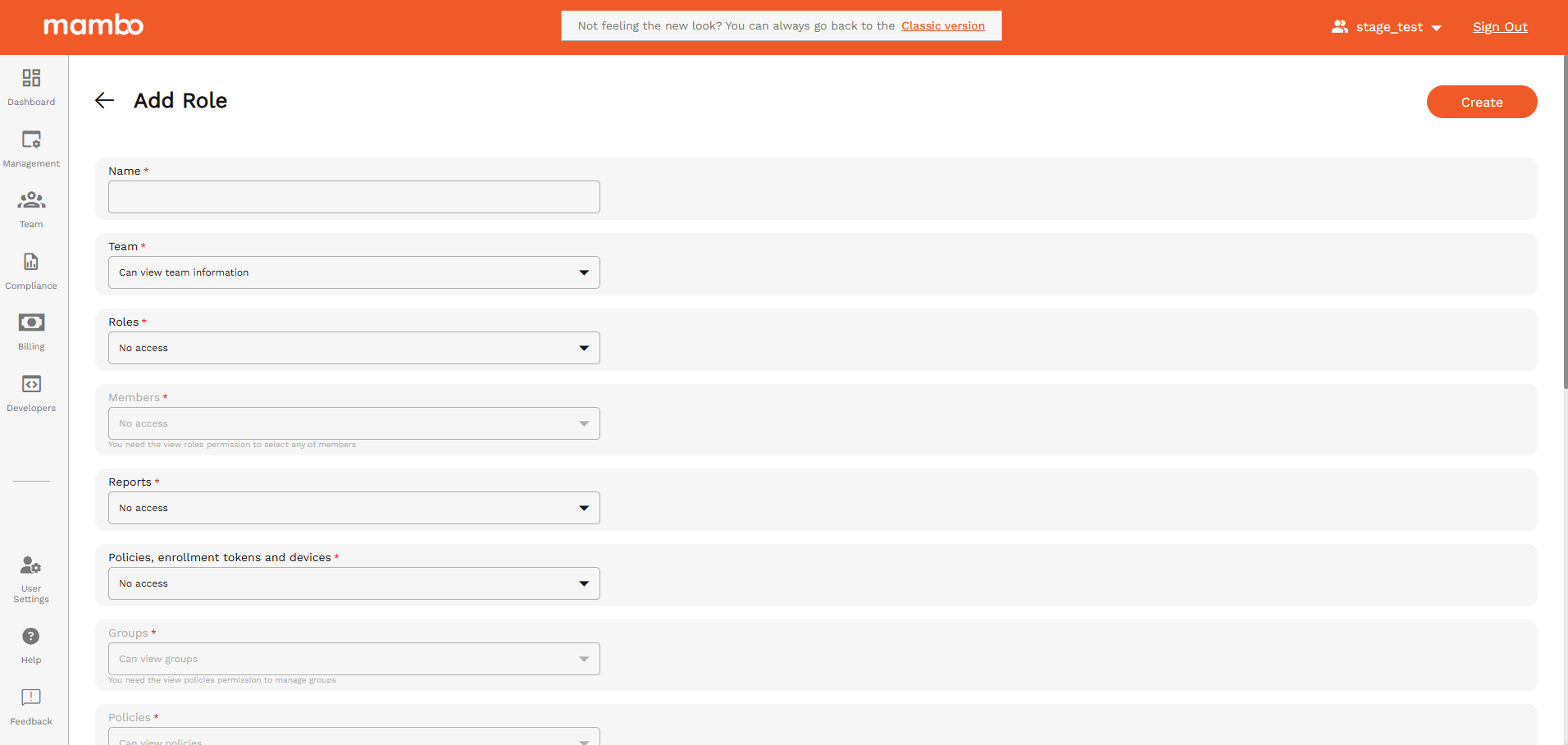
- Enter:
- Name – e.g. IT Administrator, Support Agent, Auditor
- Choose permissions using the dropdowns and checkboxes below
- Click Save / Add Role
import Permissions from "../../_partials/permissions.mdx";
Recommended Role Templates
Best Practices
✅ Follow the principle of least privilege
✅ Limit delete permissions
✅ Review role access regularly
✅ Remove unused roles
Summary
The Add Role feature allows you to precisely control:
- Who can manage devices and policies
- Who can enrol or wipe devices
- Who can access billing, security, and integrations
- Who can view reports and logs
Well-designed roles = secure + scalable + controlled management