
Creating a Policy
Follow these steps to create a new policy in the mambo EMM console.
Steps to Create a Policy
- Log in to the mambo EMM console.
- Navigate to Management > Policies.
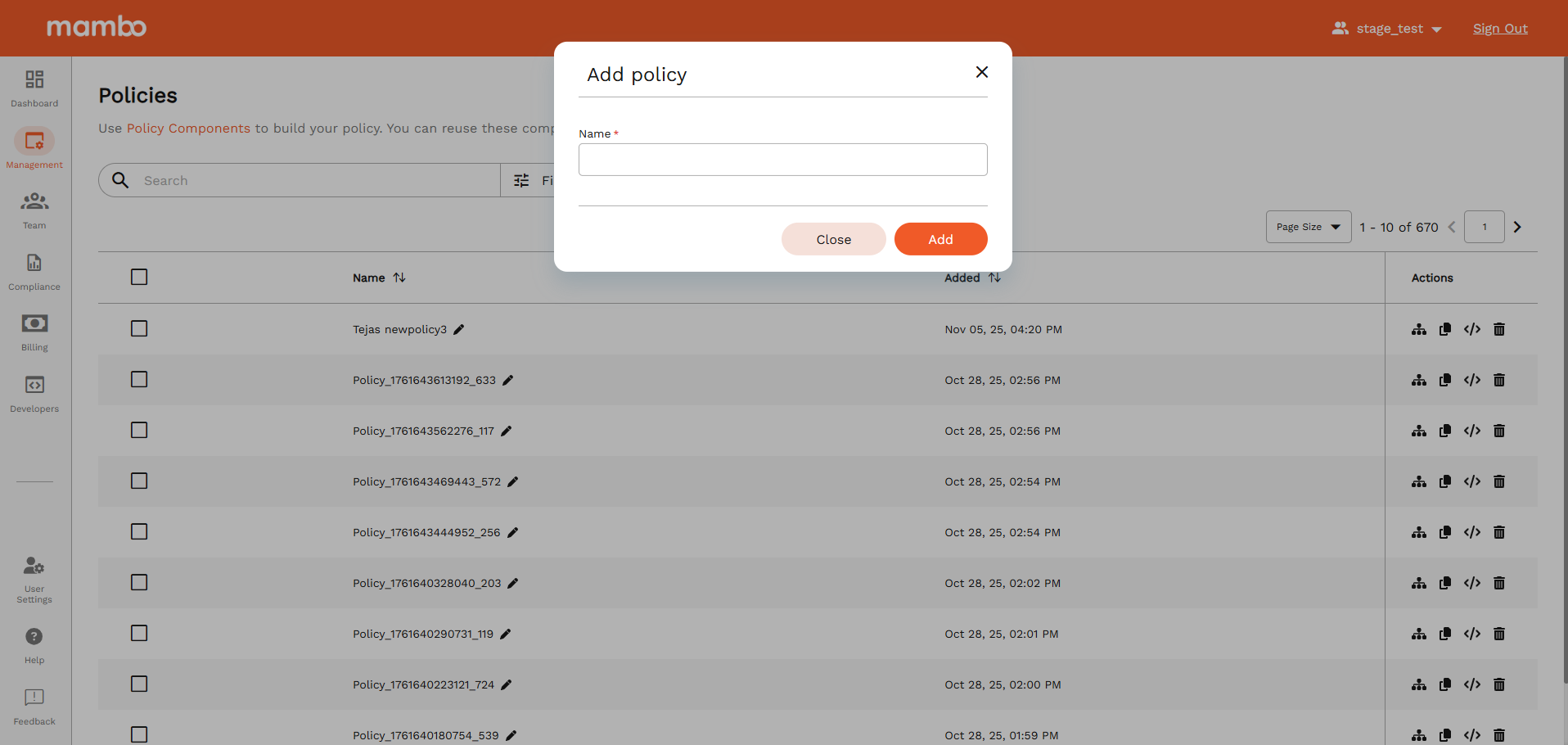
- Click the Add Policy button at the top.
- Enter a unique name for the policy, then select Add.
- The new policy will appear in the policy table — it’s ready to use!
What's Next?
- 👉 Update Components for an Policy
- 🧩 Policies can be customized with Policy Components
- ➡️ You can Assign your policy to a device(s).
- ➡️ You can Assign your policy to a group.